Before Starting
Follow along: Before Starting
Here are the things to keep in mind before starting the robot arm training.
- Make sure the robotic arm container is properly shutting down.
- If the robot arm does not move, check whether the robot arm container is working.
- When you want to control the robot arm again with the controller, don't forget to turn on the robot arm container.
(The Jetson Board used for these examples are => Jetson Nano)
Open Browser and connect to “10.42.0.1:5000”.
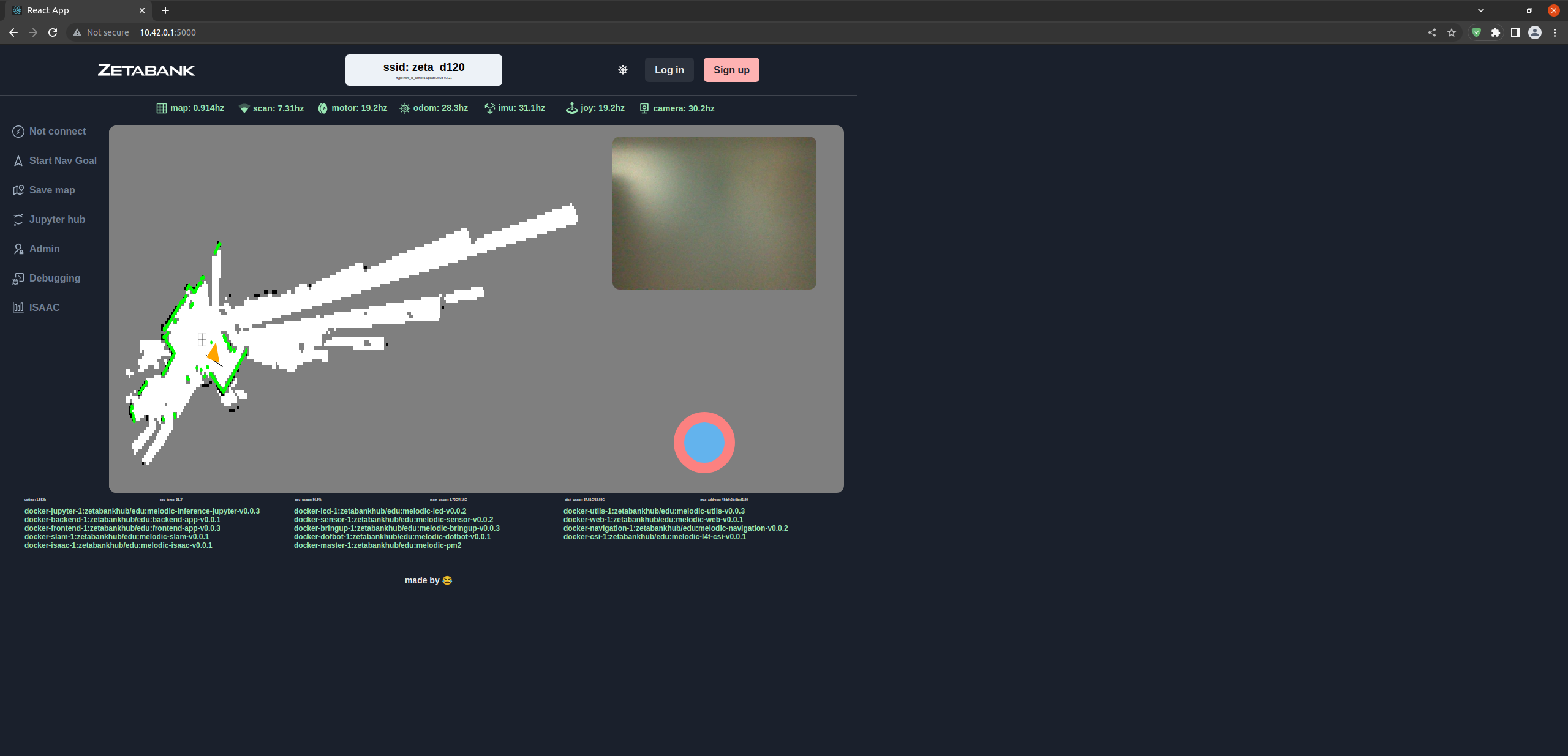
Currently, the robot arm can only be moved with a controller.
We need to shut down the container that controls the robot arm controller in order to control the robot arm with code.
Click the “zetabankhub/edu:melodic-dofbot-” in green text.
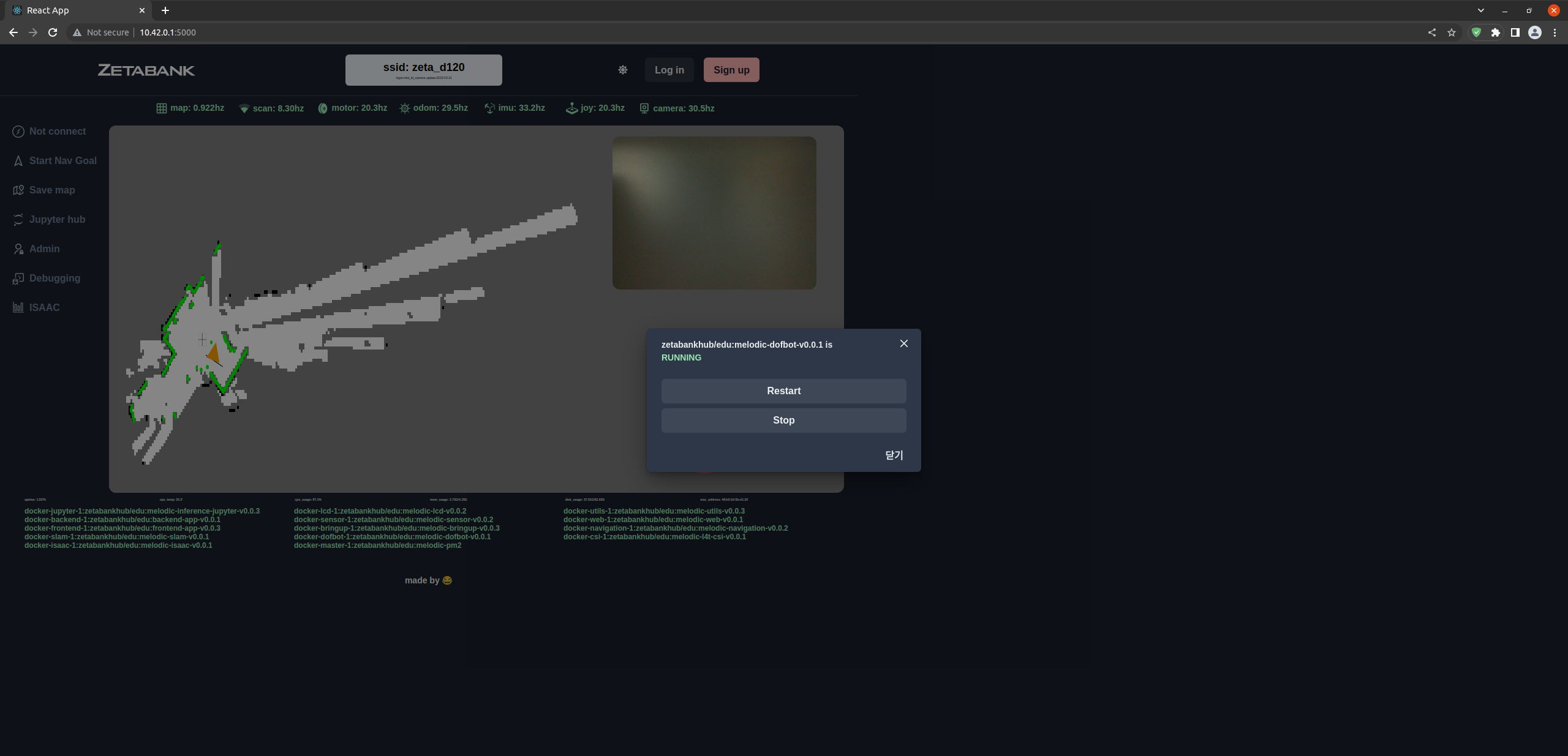
If the container is in RUNNING state, press stop and wait for a while.
The “zetabankhub/edu:melodic-dofbot-” text turns white when the container is shutting down.
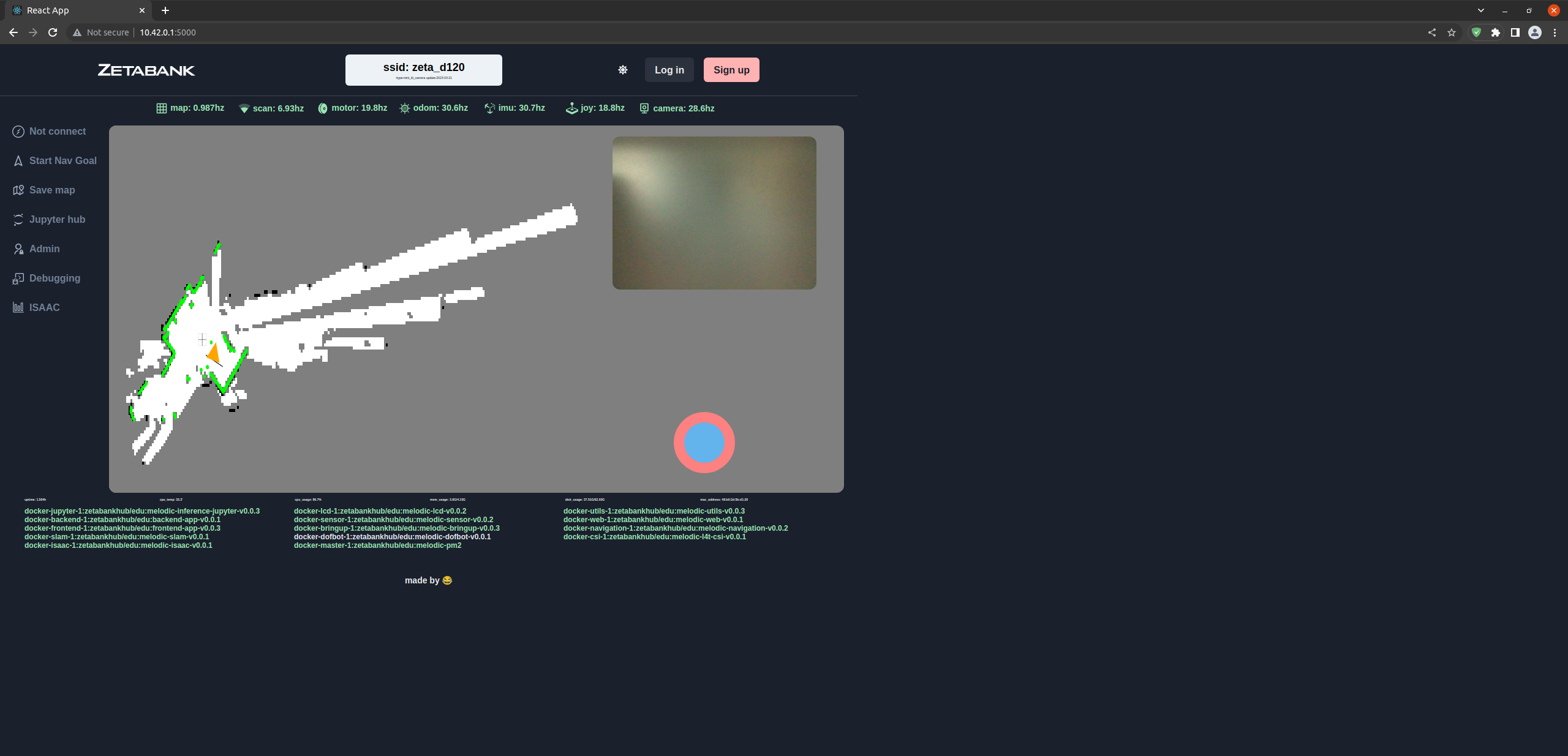
Now, let’s use jupyterhub to control the robot arm using code.
Conversely, if you want to control the robot wave using the controller, you can start the “zetabankhub/edu:melodic-dofbot-” container.